
Workout progress tracking with context
Use workout progress tracking to review past sessions and best sets. Then check the notes behind each change.
Current build. For now, you can get launch updates.
Workout progress tracking starts with your log
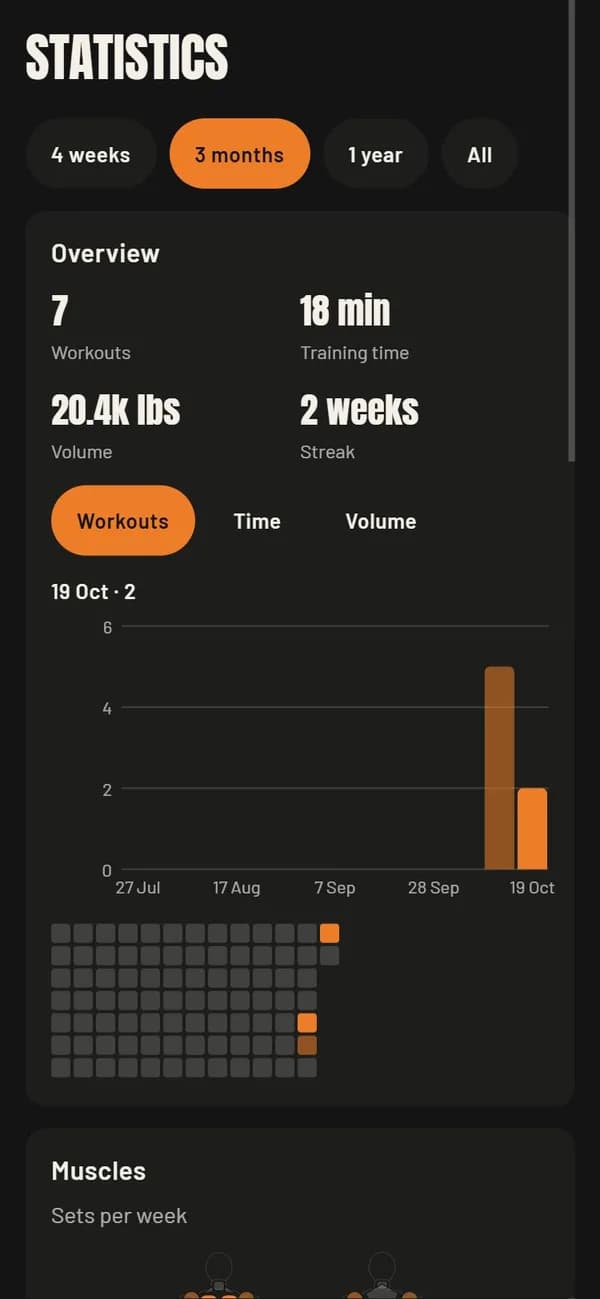
Your calendar shows the sessions you logged. Next, use the dashboard to review workout totals and work by muscle group. If a number looks odd, check the session behind it.
Compare the same lift over time
Exercise history shows your logged sets and personal records. When you compare them, keep units, form and range of motion in mind. An estimated one-rep max comes from a formula. It is not a tested max.
Keep body photos private
Body measurements and progress photos sit apart from the public feed. Your progress photos stay private. However, the app cannot assess your health or choose the right plan for you.
Your next session
Get launch updates
through Field Notes.
GameLiftEat is in development. For now, Field Notes is where you can hear about the launch. The newsletter also covers training, food and everyday life.
The app will be free at launch. We will announce future pricing later.